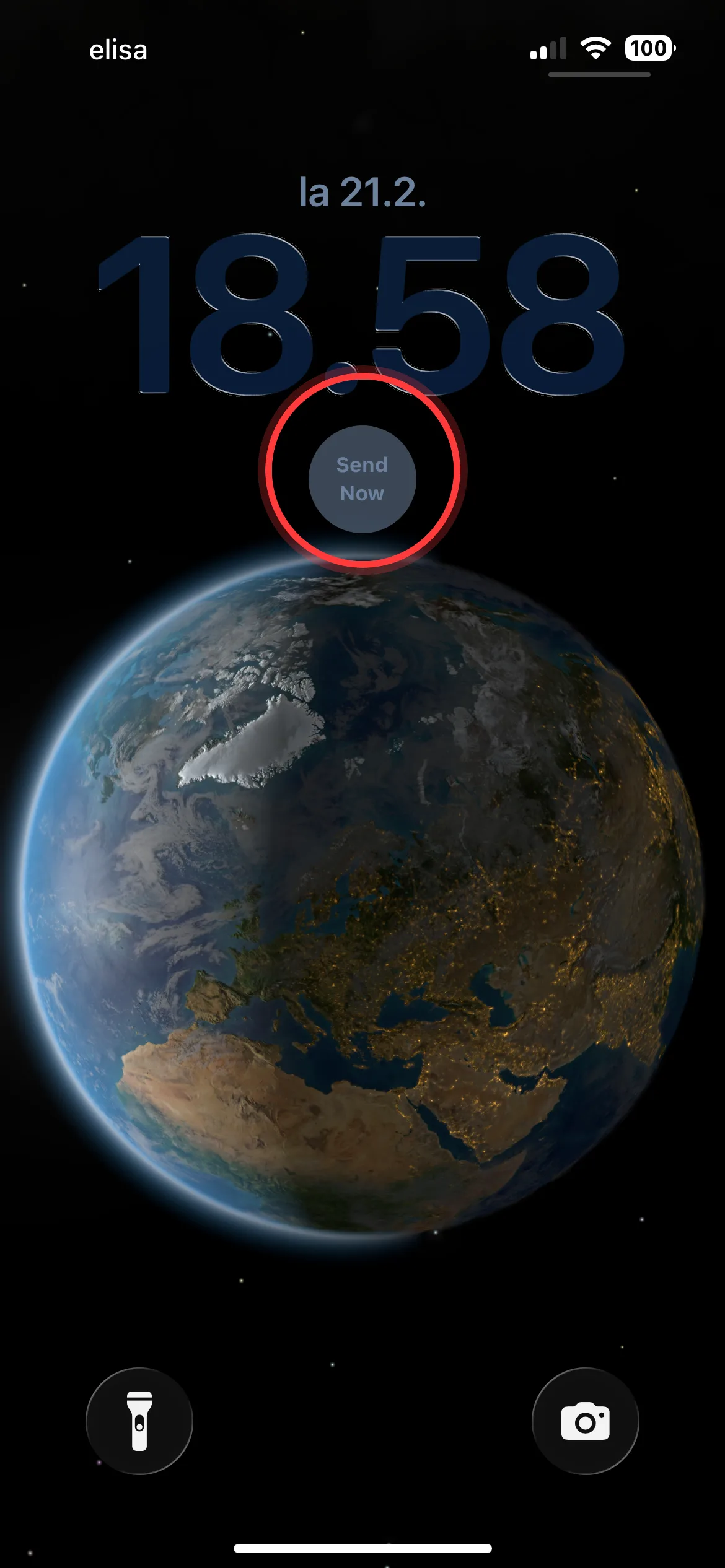
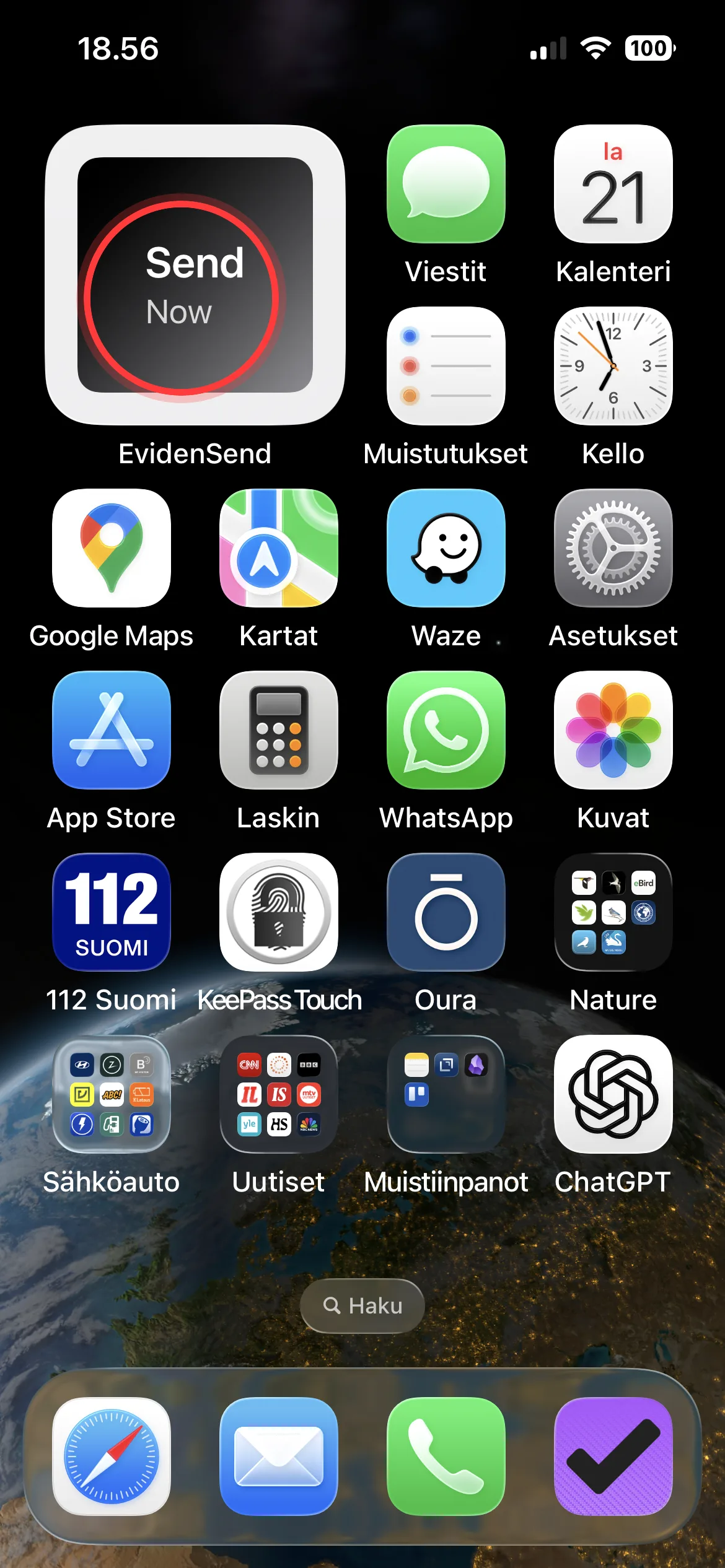
One-tap Send Now widget
The Lock Screen and Home Screen Send Now widget can start recording and sending immediately in one user-initiated action.
Dual-camera body cam
For everyday safety, travel, and high-risk situations where dual-camera video needs to leave the phone quickly.
When you feel unsafe, tap the widget to start recording and sending.
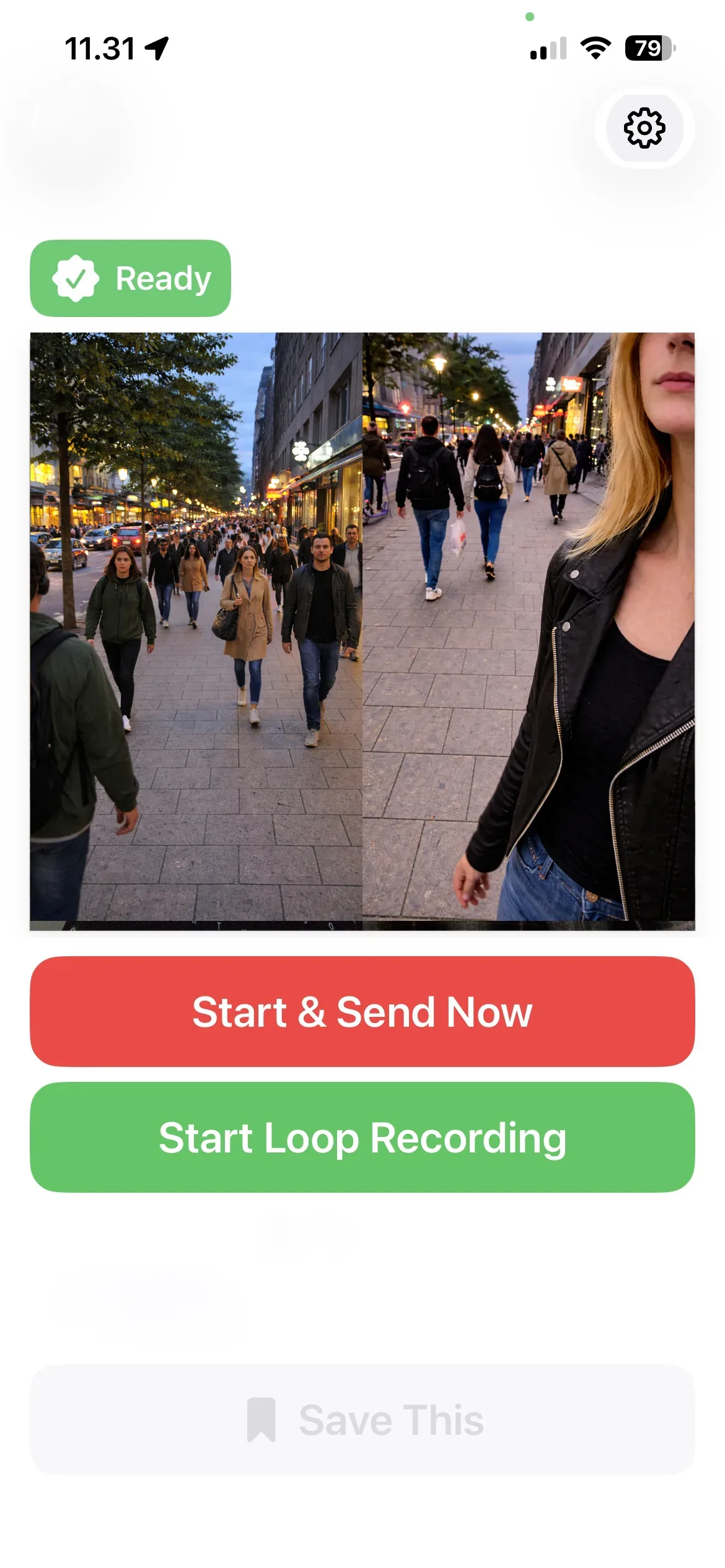

Even if your phone is taken, your dual-camera video is already on the way.
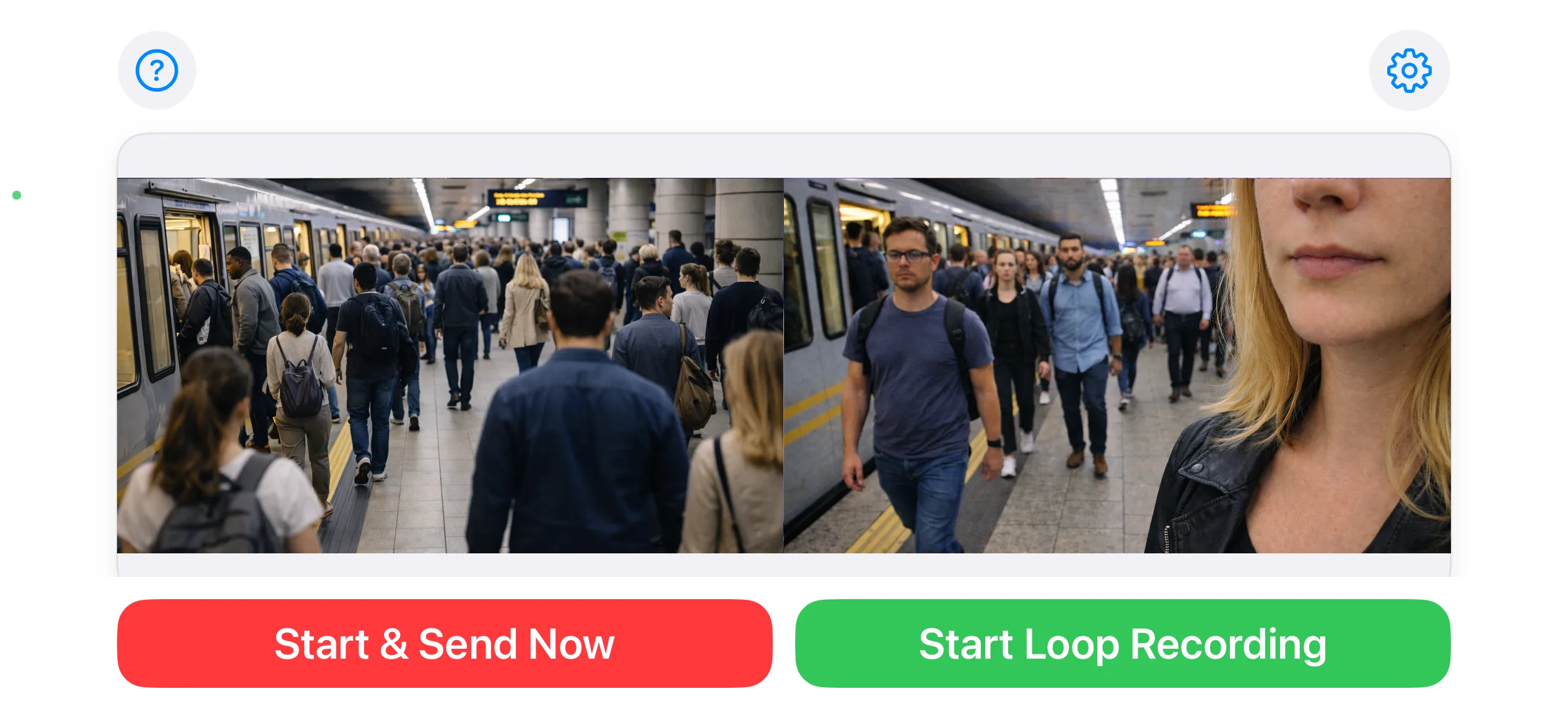

The Lock Screen and Home Screen Send Now widget can start recording and sending immediately in one user-initiated action.
Front camera captures you, rear camera captures what is happening around you, giving two camera angles in the same flow.
You can send only to yourself (email/cloud) or to multiple trusted recipients. Delivery can use links (cloud) or attached files (email), depending on your settings.
When enabled, GPS location details can be included with Apple Maps and Google Maps links in email and SMS messages.
Quick Send widget flow
When configured, EvidenSend starts dual-camera capture and immediate delivery from a single widget action.
If someone takes your phone after sending starts, they are likely captured by one or both cameras, and the video is already being delivered.
Important: delivery timing depends on permissions, connectivity, and destination availability.
EvidenSend is built around explicit user action. No automatic upload, no ad tracking, and no sale of personal data.
Uploads recordings to your Dropbox account and supports link sharing. Set up your Dropbox account in Settings.
Sends recordings by email to your chosen recipient. Set up recipient details and your email account in Settings.
Real screenshots from the app workflow: live capture, controls, delivery setup, and widget configuration.
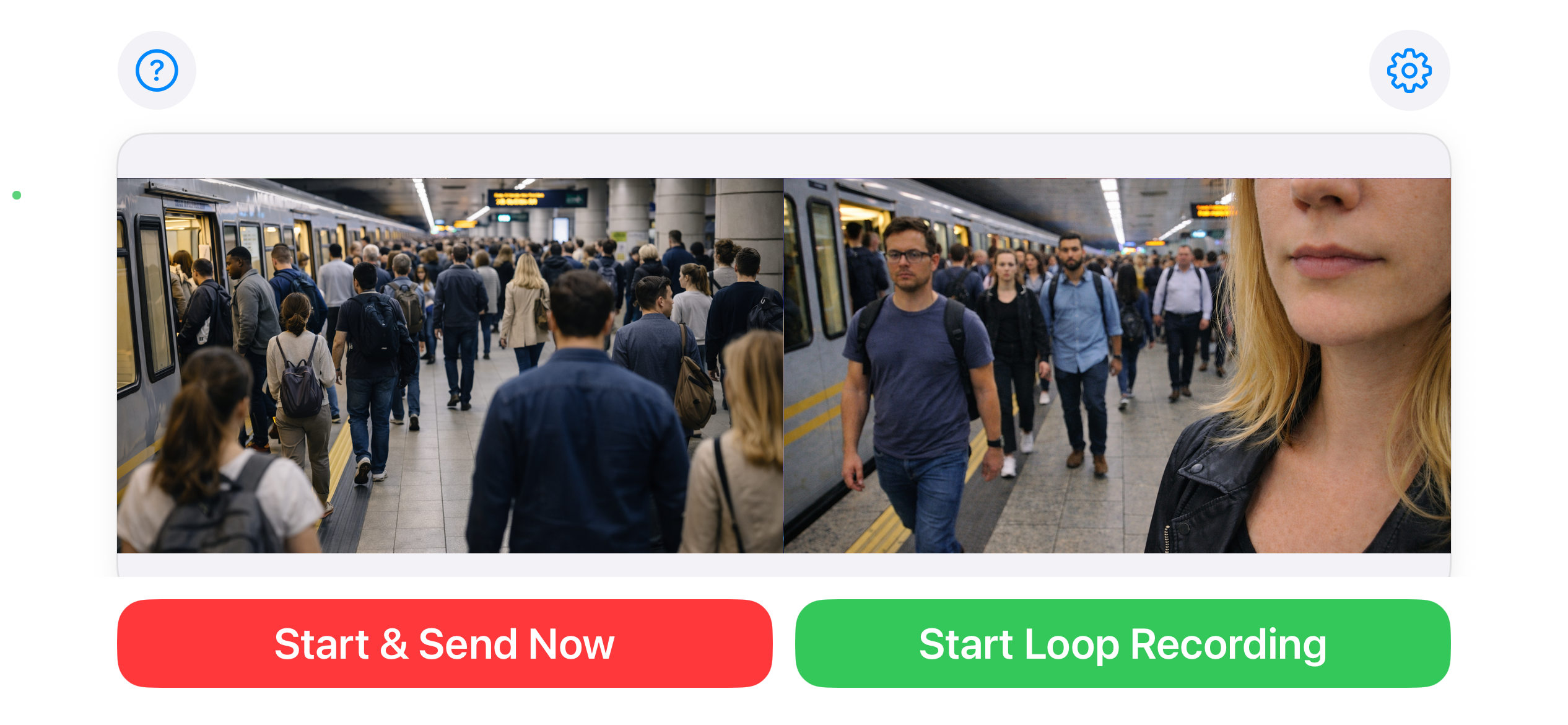
Launch immediate sharing with one primary action.
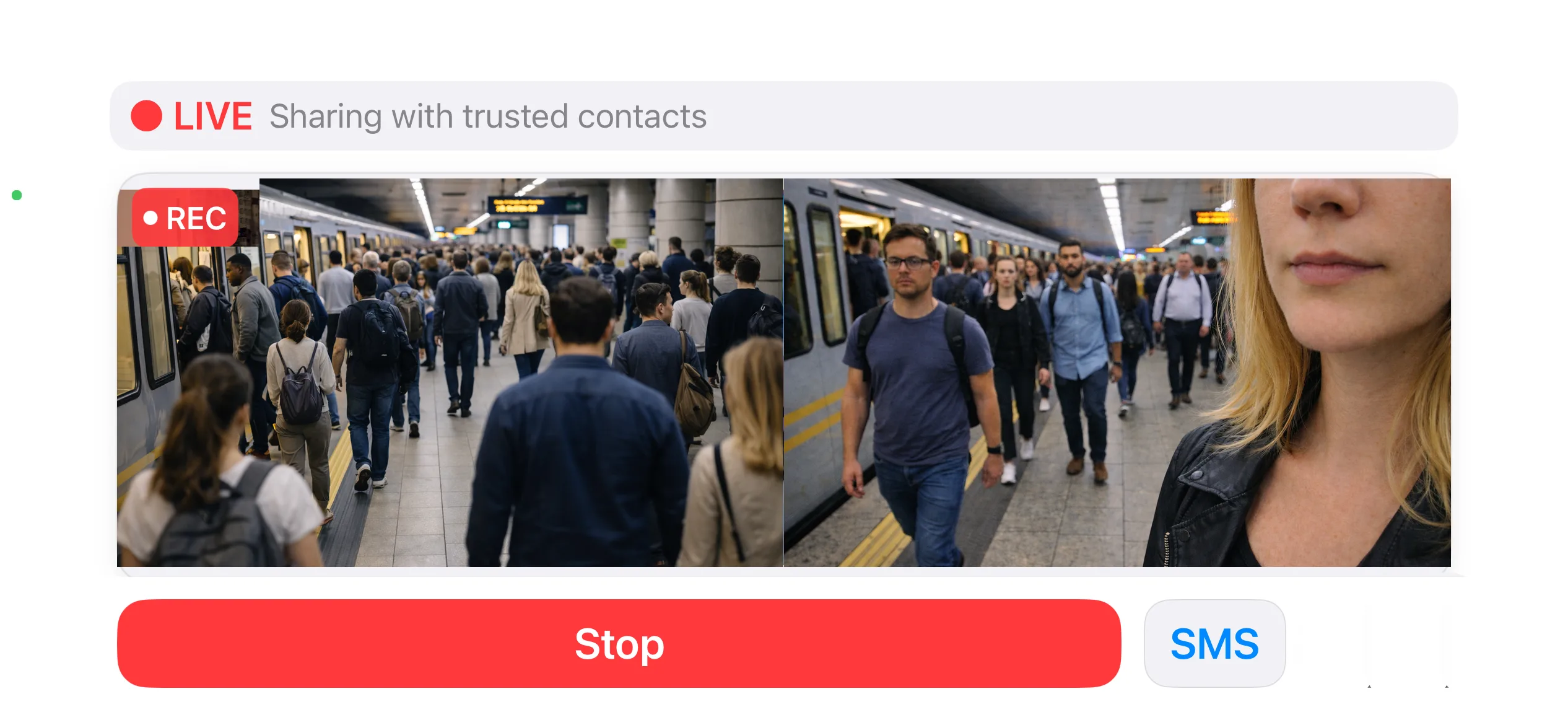
Dual-camera live mode shows both views during active send session.

Use optional email and optional Dropbox based on policy.

Use On This iPhone and iCloud settings for local and off-device protection.
EvidenSend uses a one-time purchase approach for core use, without recurring subscription pressure.
Send to a selected recipient email when needed. No ad tracking or data selling model.
Use Dropbox if you choose. Dropbox can be set up in Settings.
Nothing is transmitted in the background. Files are sent only when you press Send.
A straightforward capture-and-send flow helps reduce mistakes during stressful situations. Just press Send Now.
Optional location and optional integrations let you align video documentation with your operational policy.
Yes. When delivery destinations are configured, sending starts automatically after you trigger Send Now (widget or in-app button).
No. Location is optional and used only if enabled by the user/device permissions.
No. Dropbox integration is optional and can be left disabled.
Visit the Support page or contact support by email.
Users are responsible for complying with local recording laws.